My role
A Sole Designer
Scope of work
Build the new Design System
Develop internal plugins
Date
2024 (on going)
VIB – Vietnam International Bank is one of the leading joint-stock banks in Vietnam. VIB is implementing long-term digital strategies with the goal of becoming the most innovative bank in Vietnam
As part of this effort, the design team plays a vital role in driving this strategy forward. I helped the team speed up processes and reduce design issues by refining the old design system and leveraging ChatGPT to build 2 internal Figma plugins.
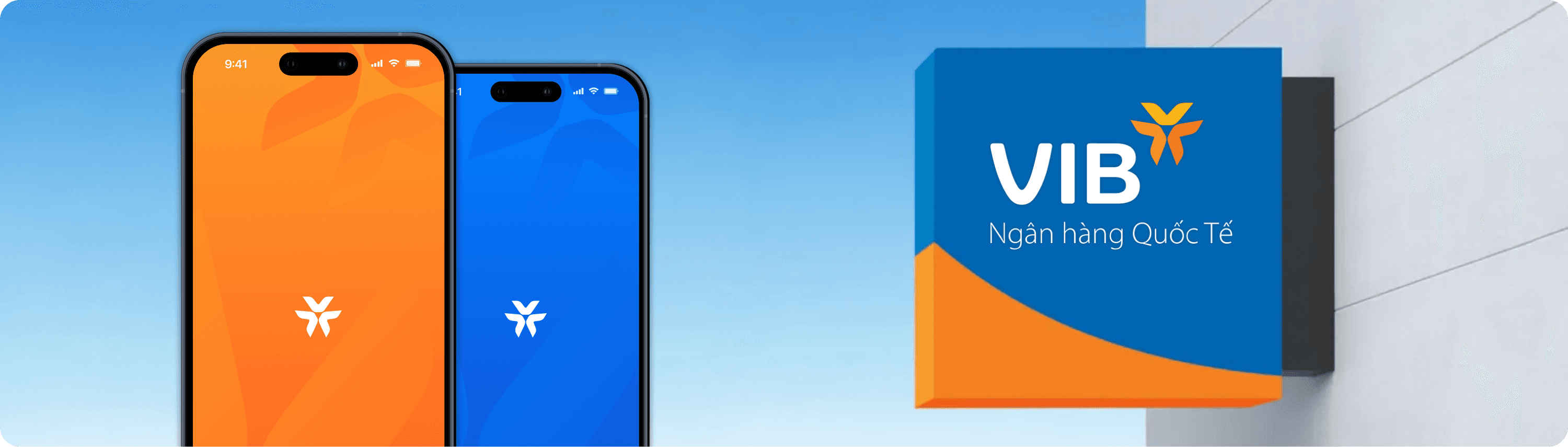
When I first joined VIB and started my very first project with the team, I was introduced to the current Design System, known as “Design System 2.0” (DS 2.0), along with the Design Guidelines. By the first time review the UI flow with my design manager, I quickly realized several issues within the system that were causing design issues:
Lack of Maintenance
Built in 2021, DS 2.0 lacked maintenance and updates, leaving legacy components unresponsive due to missing Auto Layout and Design Variables.
Manual Adjustments
Designers had to frequently manually tweak components because of their outdated structure, leading to inefficiencies.
Inefficient Color System
The color system was purely primitive, requiring designers to spend extra time selecting the right colors for elements.
Theming Challenges
The VIB app has 2 themes - Fire & Ice. Currently theme adjustments were done manually, any new updates doubled the workload for designers.
Hidden UI Rules
Many design rules (such as component spacing and usage) were not explicitly documented, leading to inconsistencies and design issues.
Upgrade DS 2.0 to DS 3.0 to enhance workflow, maintain design consistency, and minimize the need for manual component adjustments.
Minimize design issues by clarifying hidden rules and making them easier to follow
Speed up the design workflow
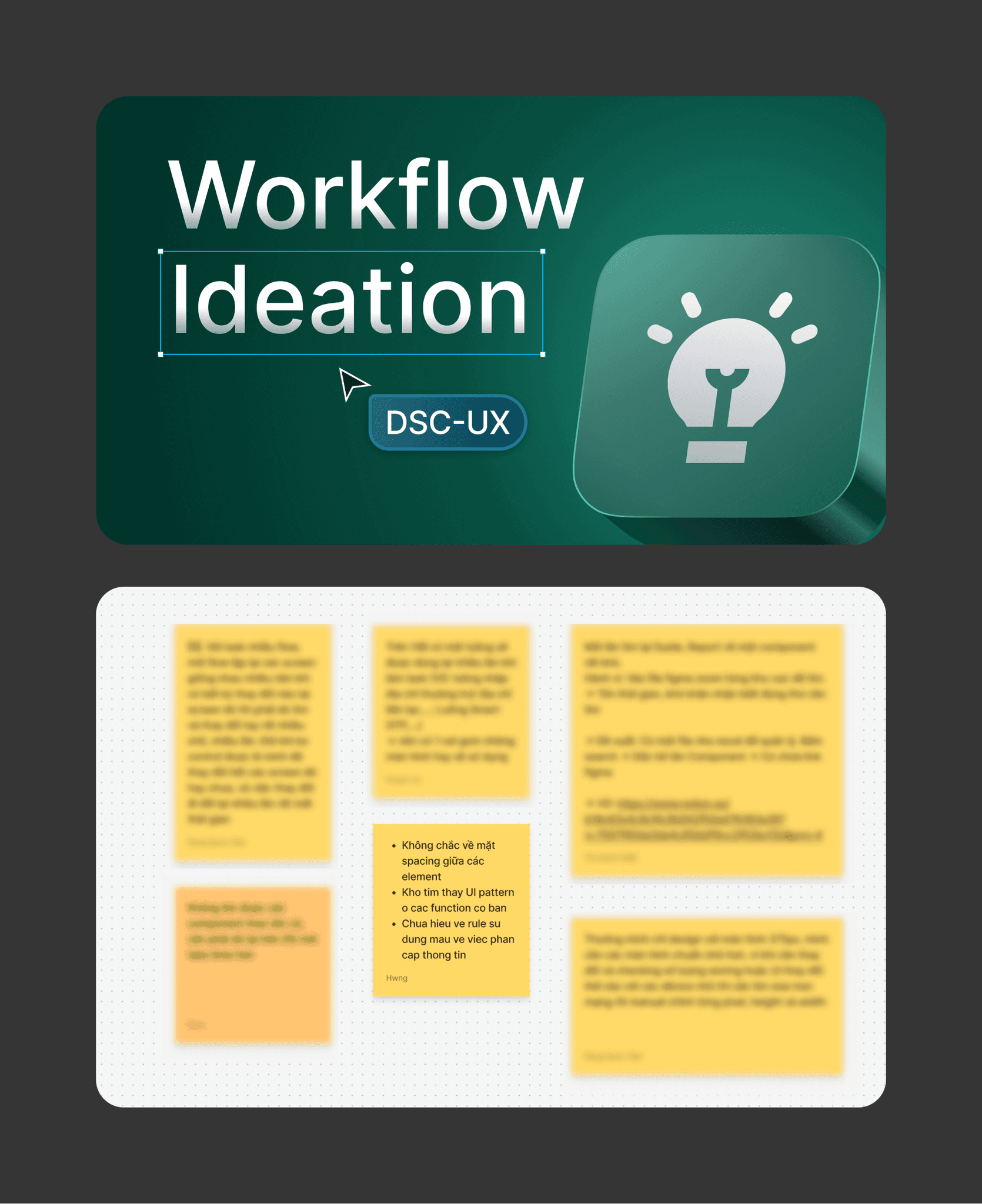
As a new member, I have to reviewed DS 2.0, the Design Guidelines, and numerous design screens to understand how designers currently use the system. I also created a FigJam space where designers can share ideas and the challenges they face in their design process.
Additionally, I’ve had countless discussions with my Design Manager, who has deep insights into the system, especially when it comes to design-related issues
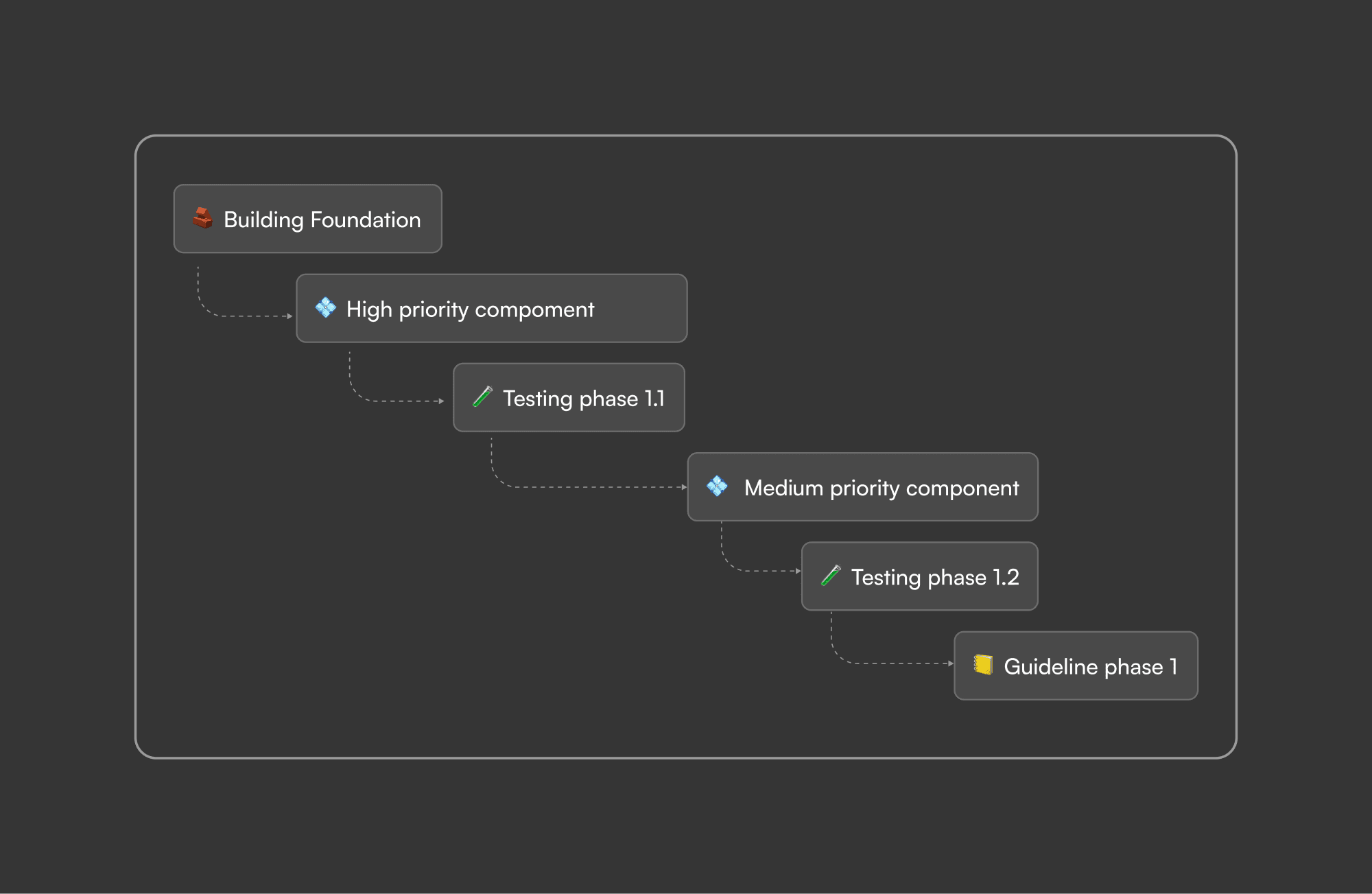
After I get enough insights from the team, I started a plan to implement the new DS and we called it Design System 3.0. The estimation is 1 month.
⚠️ The project faced team shortages and low stakeholder priority, limiting my work time. I was also assigned to another project so most of the work has been done outside of working hours.
Despite these challenges, the pilot design version was delivered in just 1.5 months and continues to be updated to this day
Colors
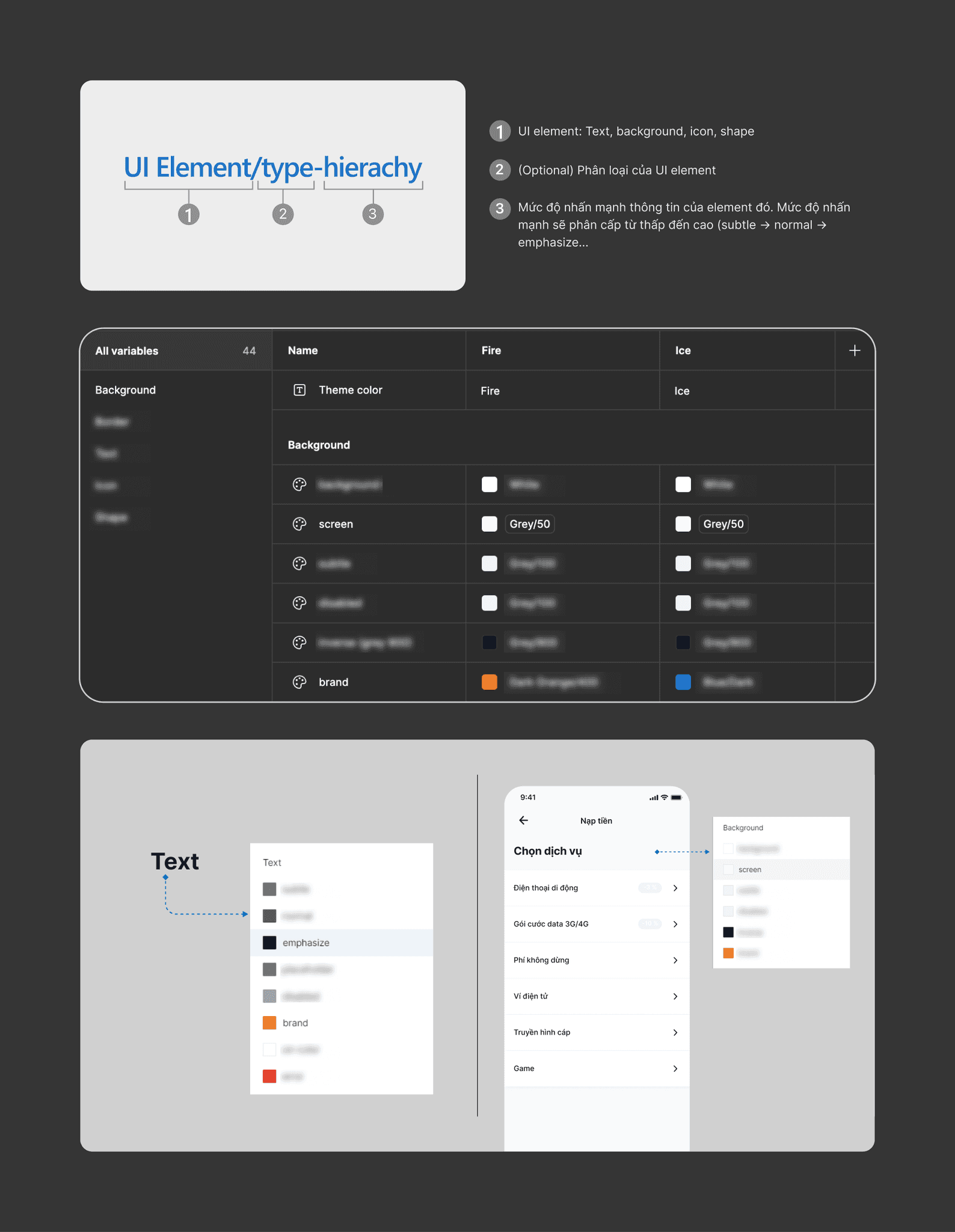
First, I converted all the color styles in DS 2.0 into variables and categorized them as global colors.
After analyzing numerous screens and understanding the color rules of the current system, I applied semantic naming to reflect their purpose and emphasis to help designers select the right colors more quickly. Additionally, I scoped them down by element to prevent designers from feeling overwhelmed.
Theming tokens were added to enable seamless theme switching in the blink of an eye.
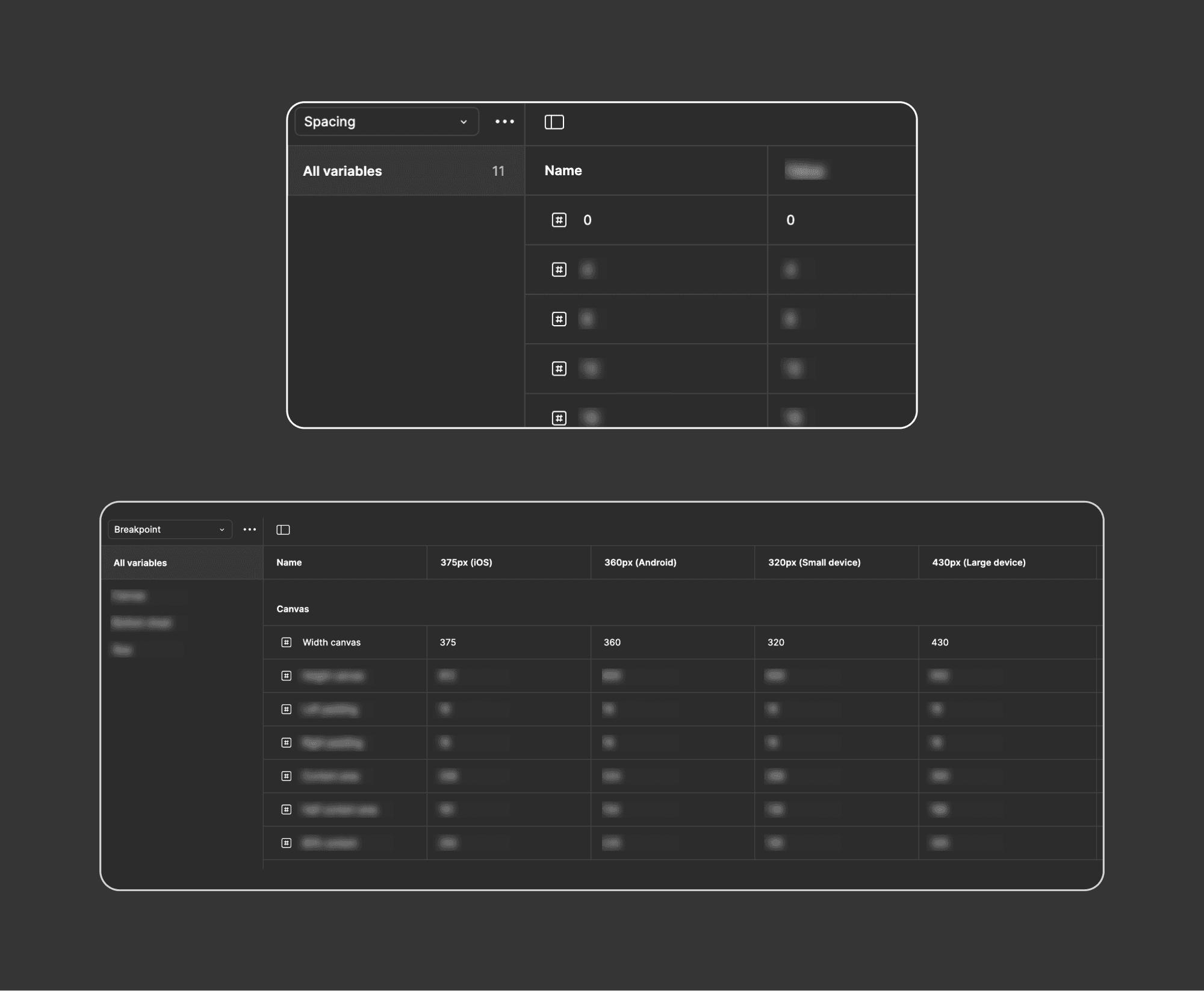
I added spacing tokens not only to help designers determine spacing more quickly but also to ensure the design adapts well across different breakpoints.
The structure of the old icons was outdated, causing swapped instances to lose their previous properties. To fix this, I modified the layer structure and standardized icon naming into a unified format, with the top layer named ‘Vector,’ ensuring instances retain their properties when swapped.
I restructured the layers of 350+ icons. The process was tedious, as it required repetitive adjustments, but the results were worth it—now, the system runs seamlessly. Additionally, I added common keywords in the descriptions to help designers quickly find the icons they need.
I’ve noticed that some components have been adapted in unique ways and have become the new norm. The main goal of the design system is to speed up the design process and maintain consistency. Because of this, instead of simply adding Auto Layout and variables to the new components, I aimed to enhance them with a designer-centered design approach.
Adding supplementary components such as keyboards, prefixes, and suffixes to main components, eliminating the need for designers to add them manually.
Fixing spacing issues between supplementary components to ensure better alignment.
Implementing use cases within component properties, allowing designers to mock up scenarios more quickly.
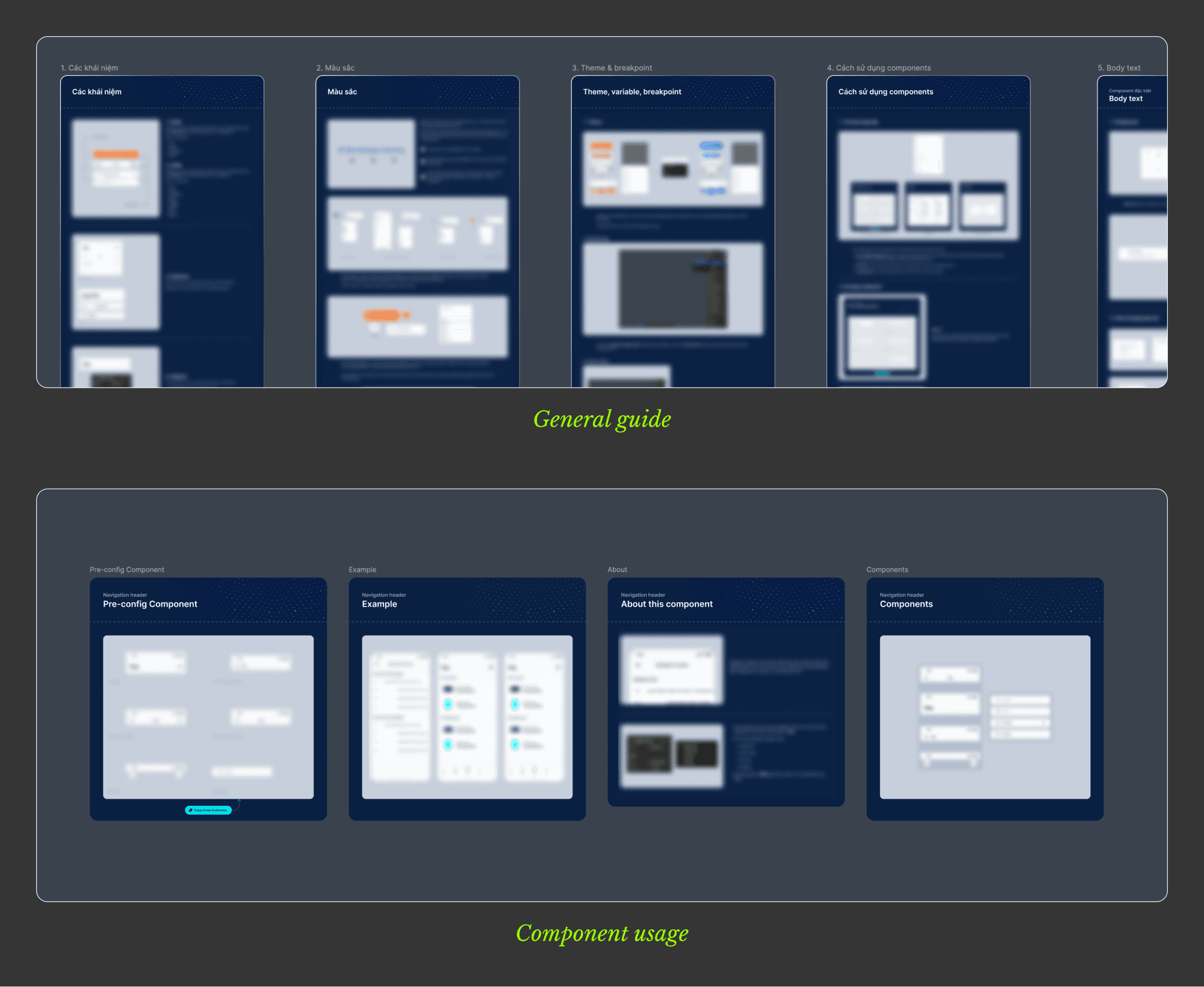
To ensure the new design system is properly adopted and used correctly, I wrote both a general guideline—introducing the system and its usage—and a component guideline, detailing how to use each component correctly.
I also conducted workshop whenever there are new major updates to the DS
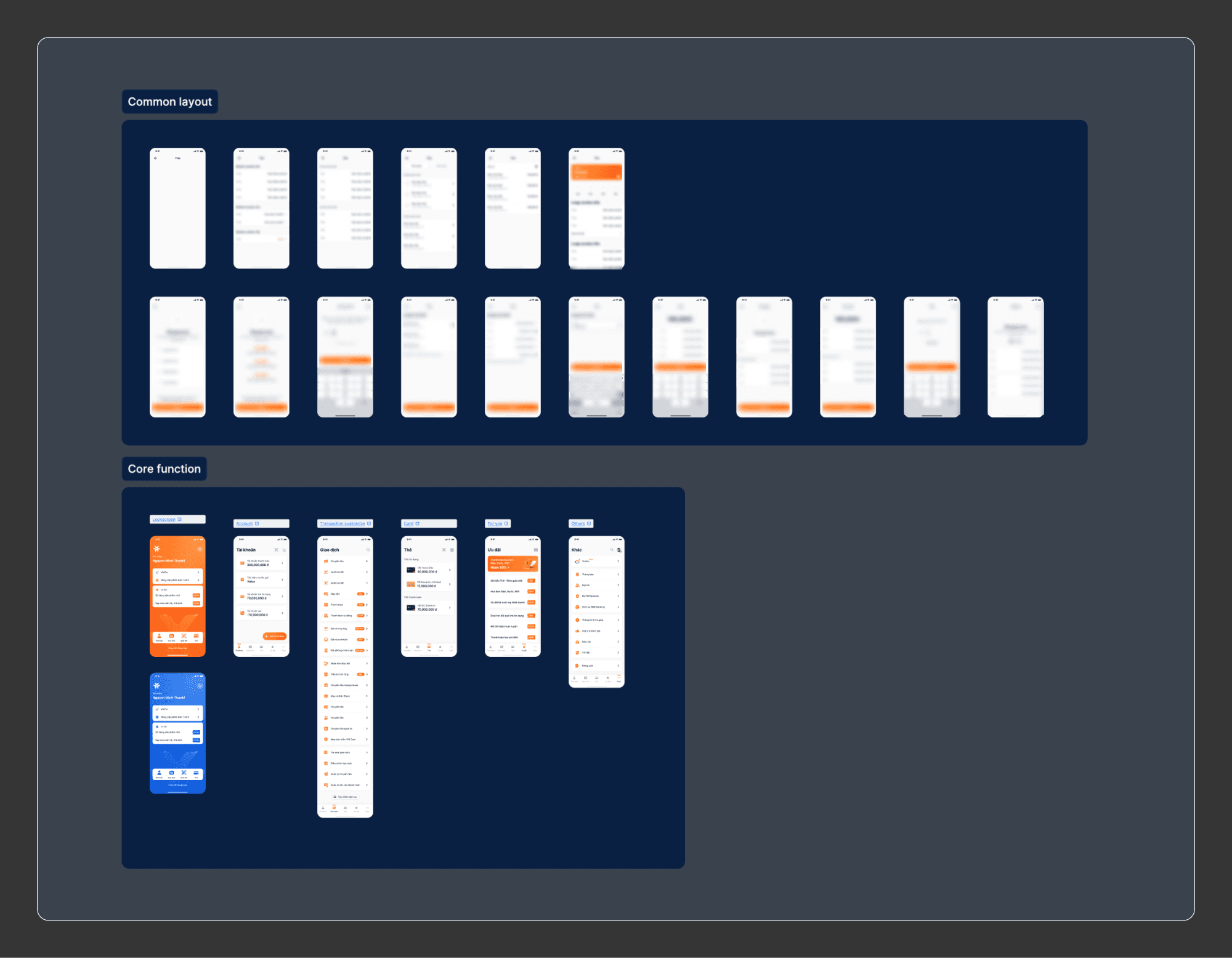
This is a set of common screens and layouts that designers frequently use, built entirely with new components. It allows designers to mock up flows more quickly and efficiently.
In MyVIB design, there are several UI rules had to be adjusted manually, which was one of the main causes of design issues.
Recognizing this problem, I leveraged ChatGPT to develop an internal plugin as part of DS 3.0. This tool allows designers to check multiple UI rules within a flow, significantly improving efficiency and reducing design issues.
One inevitable problem is the mixing of components from DS 2.0 and DS 3.0 within a single design. The new modifications are not applied directly to DS 2.0, as doing so carries the risk of corrupting the old design
To address this, I used ChatGPT again to develop an internal plugin that copies all text from one screen and pastes it into another. Combined with the common screens I built earlier, this allows designers to seamlessly transfer data from designs using DS 2.0 components to new screens built entirely with DS 3.0 components
DS 3.0 has been widely adopted and is now actively used.
My Design Manager and colleagues truly admire the work and agree that the new Design System and internal plugins significantly speeds up the process, enhances consistency, and allows them to focus more on product impact rather than minor UI issues.
I continuously update new components and icons to keep everyone informed, making the system more transparent and accessible
Continue optimizing Design System 3.0 and improving the design workflow for the team.
Upgrade the figma plugins to make it more useful
Collaborate closely with the dev team to ensure the Design System remains synchronized with the one implemented in the system.
Further develop the UX pattern guidelines to enhance consistency.